Your whole family tree, on one wall.

Upload a GEDCOM file from your family tree software and get a six-generation chart in a few seconds, ready to print on A3, tabloid or larger size paper. You, your parents, and every ancestor back to your great-great-great-grandparents, with a place for most faces.
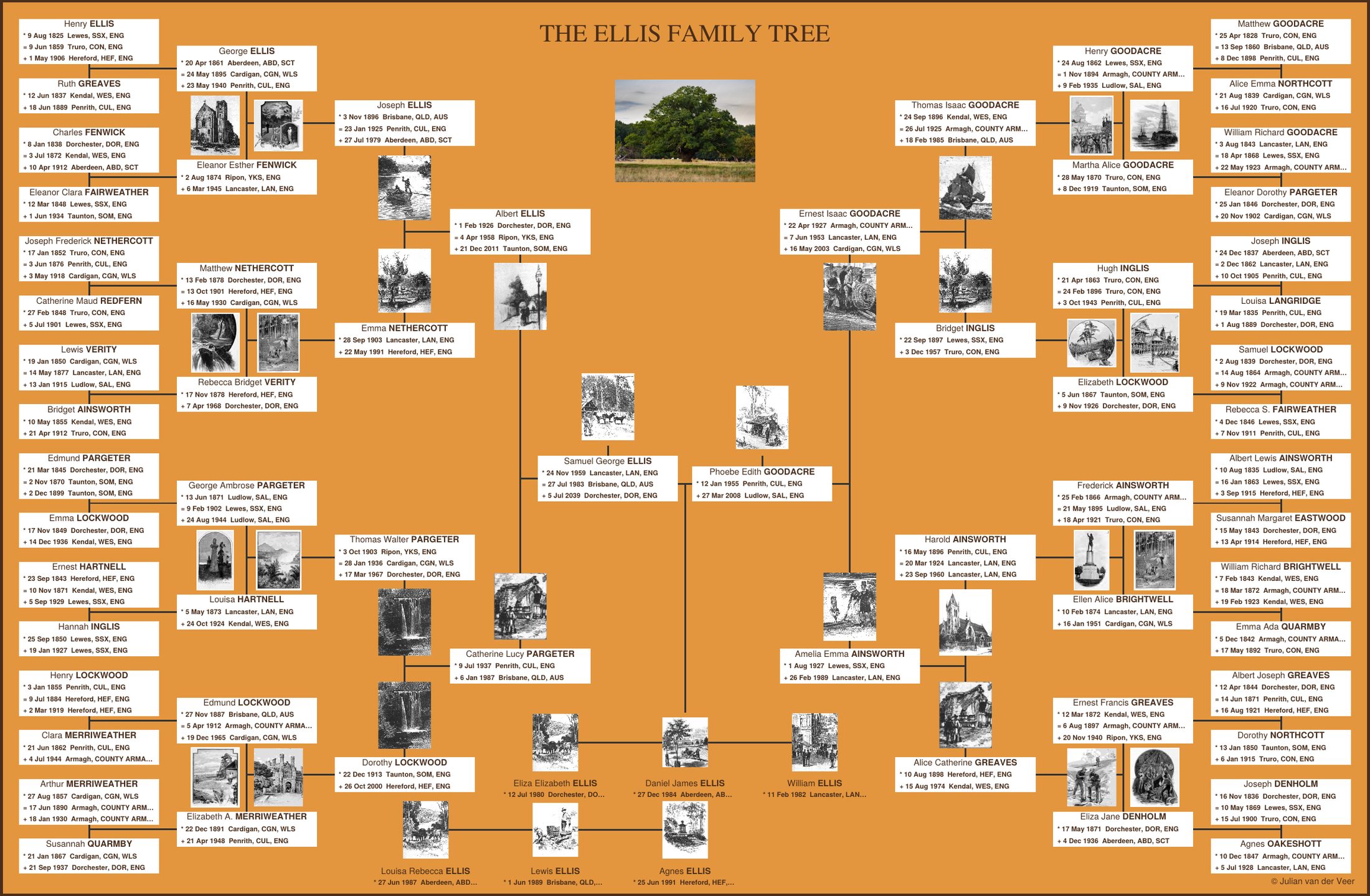
A finished chart: an amber-coloured wall chart with a family tree fanning out from the centre, name boxes for each ancestor and small vintage portraits.
A sample chart for a fictional family.

Shaped like a bowtie, so everyone fits.

Your father's family fans out on the left and your mother's on the right, meeting at you in the middle. Each person gets a name, birth, marriage and death details, and for generations 1-5, a portrait space. Siblings run along the bottom.

The result reads at a glance from across the room, and up close it holds the details genealogists care about.

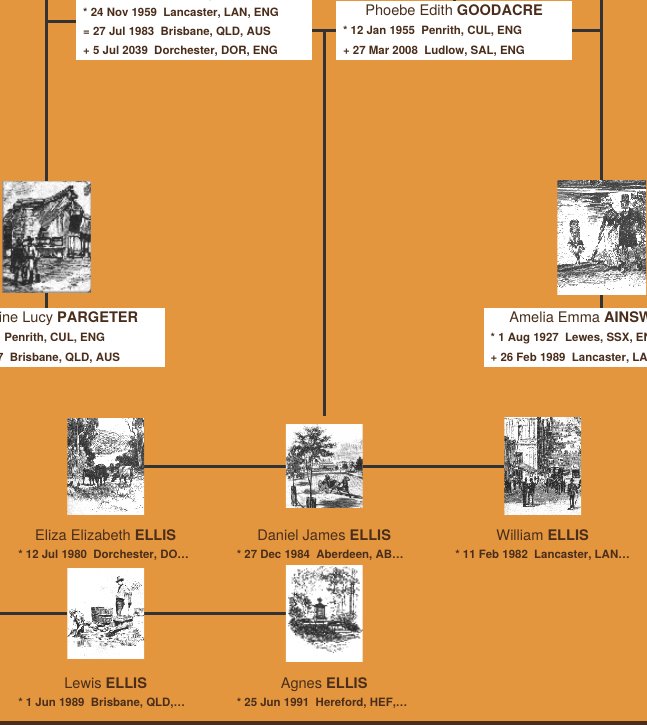
Close-up of the centre of the chart showing the main person, parents, and grandparents joined by lines.

From file to wall in four steps

  1. Export your tree

    In Ancestry, MyHeritage, Legacy, RootsMagic or any other program, export a GEDCOM (.ged) file.

  2. Choose the prime person

    Search by name, usually a living person. The chart builds outward from them, and the title fills itself in.

  3. Add photos if you like

    Drop portraits onto a labelled layout of the chart. Anyone you skip gets a vintage picture instead.

  4. Download and print

    You get one PDF. Print it at home, at a copy shop, or send it to a poster printer. Pick A3, tabloid or larger sizes.

What you get

Six generations

Up to 62 ancestors plus siblings, laid out automatically from your file. Anyone your file doesn't know is left as a blank box you can fill in by hand.

Blank boxes where the record stops

If your file doesn't know a grandparent, that box is left empty, ready to fill in once you find them.

Photos, your way

Add portraits now or later. Drag each one onto its labelled place, and large photos are shrunk automatically to a print-ready size.

Short, tidy place names

Counties and countries are abbreviated with standard Chapman codes so long place names fit neatly. Prefer full names? Switch the codes off.

Print-ready A3 or Tabloid

Sized for A3 (420 × 297 mm) and ready for Tabloid (11 × 17 inches), with images prepared at print resolution. It scales cleanly to A2, ANSI C (17 × 22 inches) and other paper sizes too.

Free to try

Make a chart now without creating an account.

Your family file stays on your computer.

A GEDCOM file holds names and dates for people who may still be alive. So nothing is uploaded: this page builds your chart inside your own browser, then hands you the PDF.

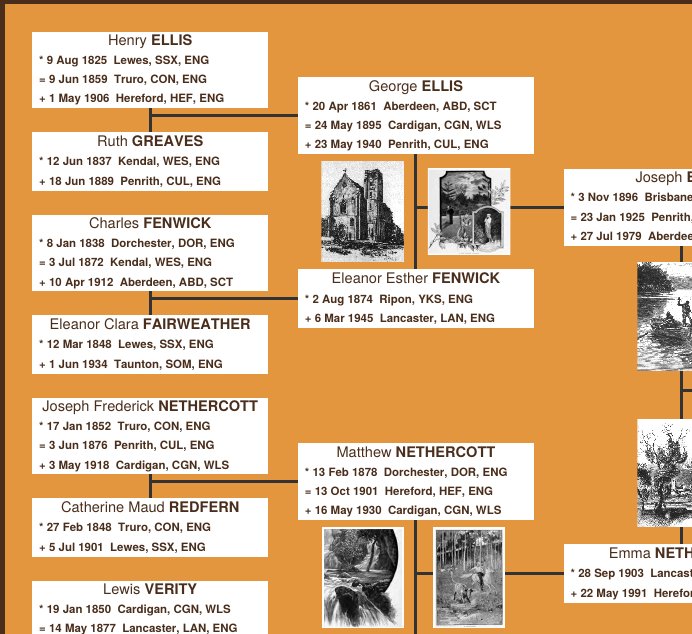
Close-up of the oldest generations on the left side of the chart, with name boxes and small portraits.

Every ancestor, with their dates.

Born, married, died. Each box carries the facts in a compact, consistent format, and the oldest generations sit around the edge like the outer rings of a tree.

Not sure how it will look with your family? Try the sample first. It takes about a minute.

Try the sample family

Ideal for gift giving.

A chart of the whole family is a present that gets looked at for years: for a parent's milestone birthday, a wedding, an anniversary or a family reunion. Make it from the family tree you already have, then print it and wrap it.

Suitable to frame.

The amber and walnut colours, the vintage portraits and the neat border are designed to look right behind glass. Print on good paper at A3, A2 or Tabloid size and put it in a standard frame.

Edit text and images with free PDF Gear.

Your chart is an ordinary PDF. Open it in PDF Gear to correct a date, add a missing ancestor or swap a portrait after you download it. PDF Gear is free, and it works on Windows, macOS, iOS and Android.

Download PDF Gear

Ready to see your family on one page?

Have your GEDCOM file handy and you'll have a chart in a couple of minutes.

Make my chart